Heatsinks
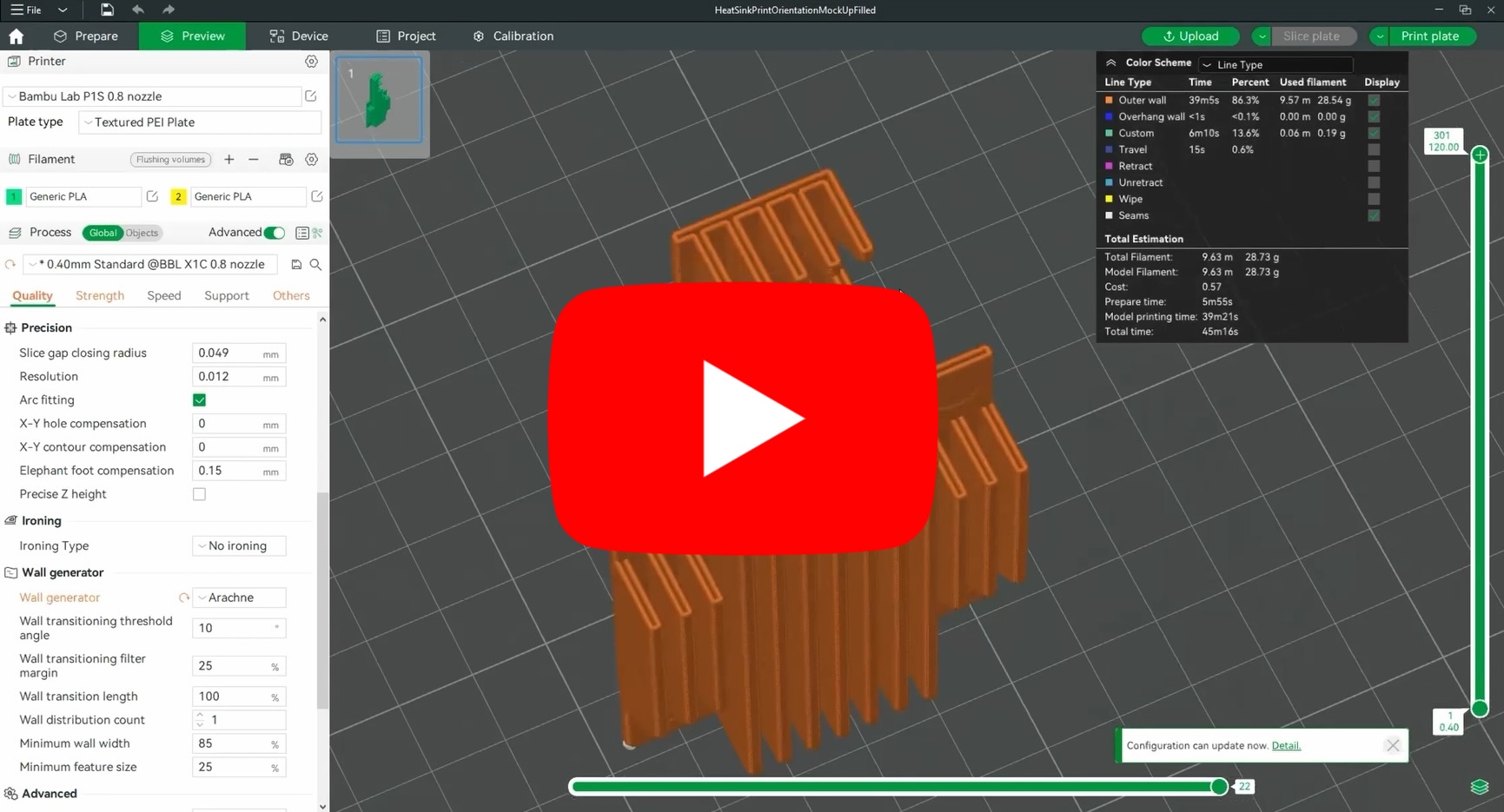
TCPoly® kindly provided their Ice9 heat conductive filament for internal testing at RapidAnalysis during our custom heatsink development trials. We found that their Nylon and TPU filament worked really well with CM4 and CM5 custom heatsinks. We will be providing both TCPoly and traditional aluminium heatsinks as custom passive cooling sleds used to friction fit Xerxes Pis in our custom designed open source 1U mini-rack and full sized rack enclosures.
Metal Heatsink
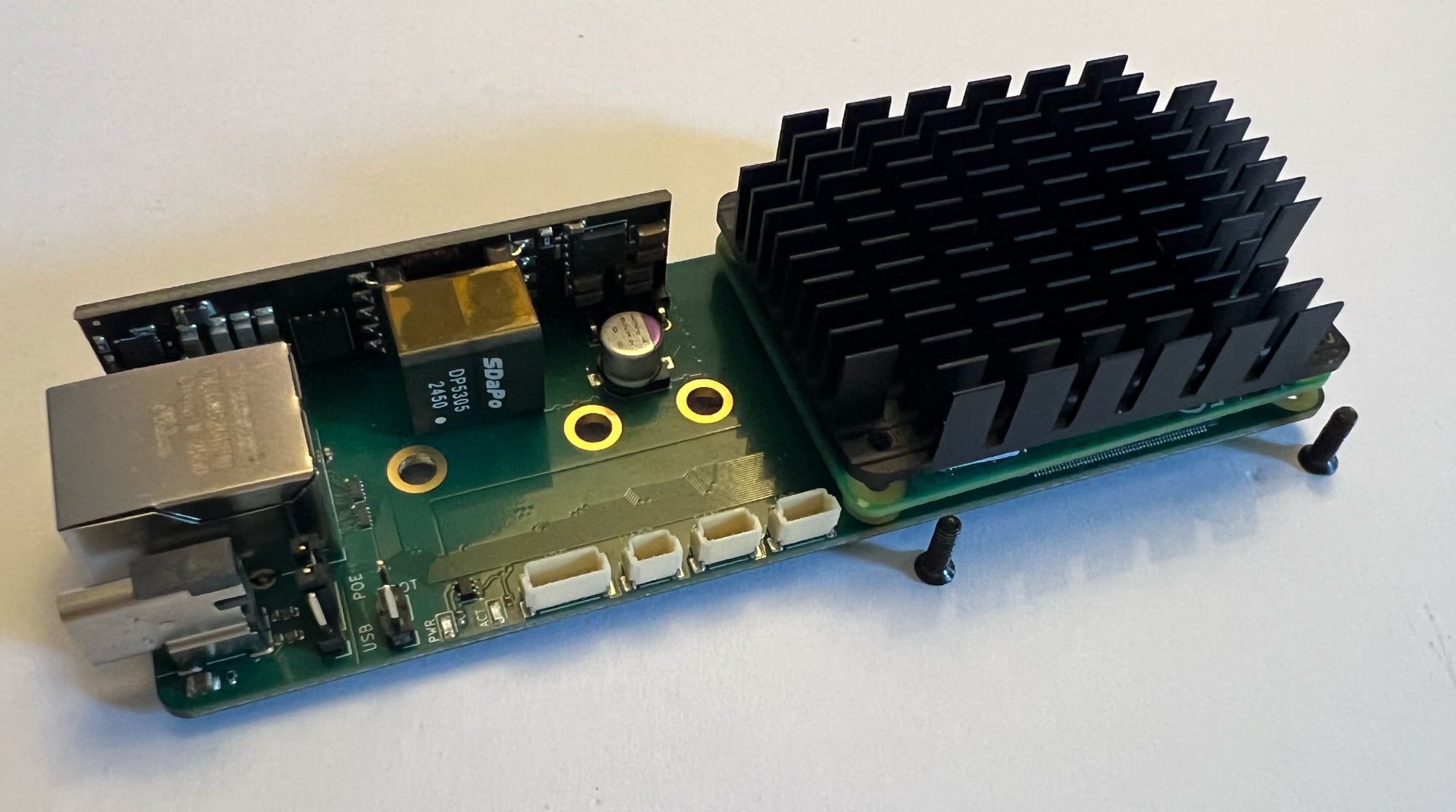
Standard aluminium metal heatsink featuring cross-cut fins to maximise omnidirectional airflow and break up the stagnant air that can build up on standard, straight longitudinal fins. Underside is flat and may not contact all parts of the computer module, requiring adhesive cooling pads (supplied) to facilitate full contact with the heatsink plate.
INFO
Screws (shown in the photo above) enter from the bottom (M.2 side) to attach the Xerxes Pi, Compute Module, and Heatsink together. Spacers supplied will ensure equal spacing between the heatsink and compute module. Purchasing higher performance heat conducting pads will improve performance of the heatsink if required.
Metal Fan Heatsink
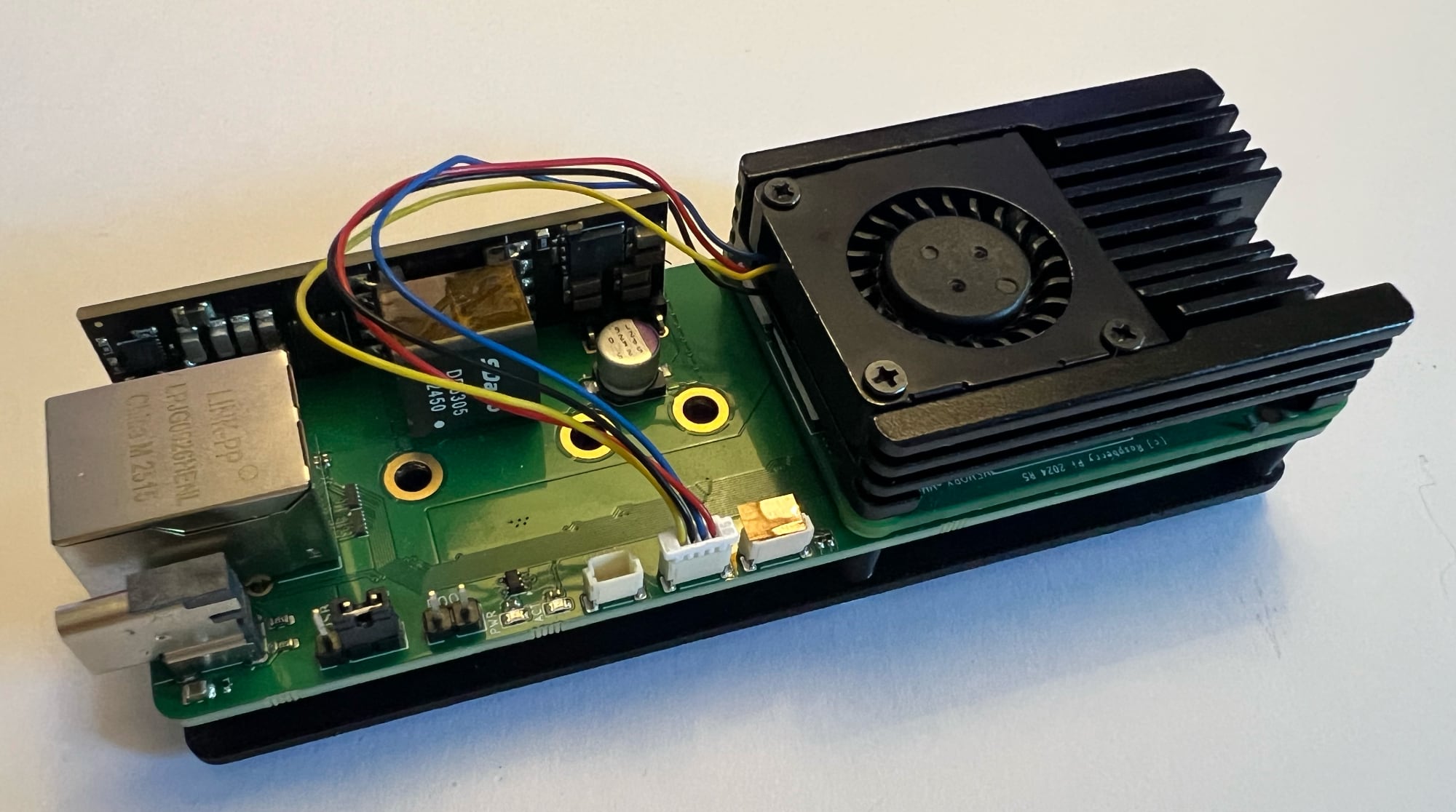
Metal Pulse Width Modulation (PWM) Fan Active Heatsink. Fan will blow continuously if used with a Raspberry Pi CM4 or Radxa CM5. Fan will blow harder with load on a Raspberry Pi CM5. Connector is standard Raspberry Pi Fan SH male plug. Vertical fins follow the predicted direction of airflow along the long side of the Xerxes Pi. Will work with POE or USB power.
INFO
Similar to the cross-cut heatsink (shown two photos above) screws enter from the bottom (M.2 side) to attach the Xerxes Pi, Compute Module, and Heatsink together. Spacers supplied will ensure equal spacing between the heatsink and compute module. Purchasing higher performance heat conducting pads will improve performance of the heatsink if required.
Back (M.2) Heatsink
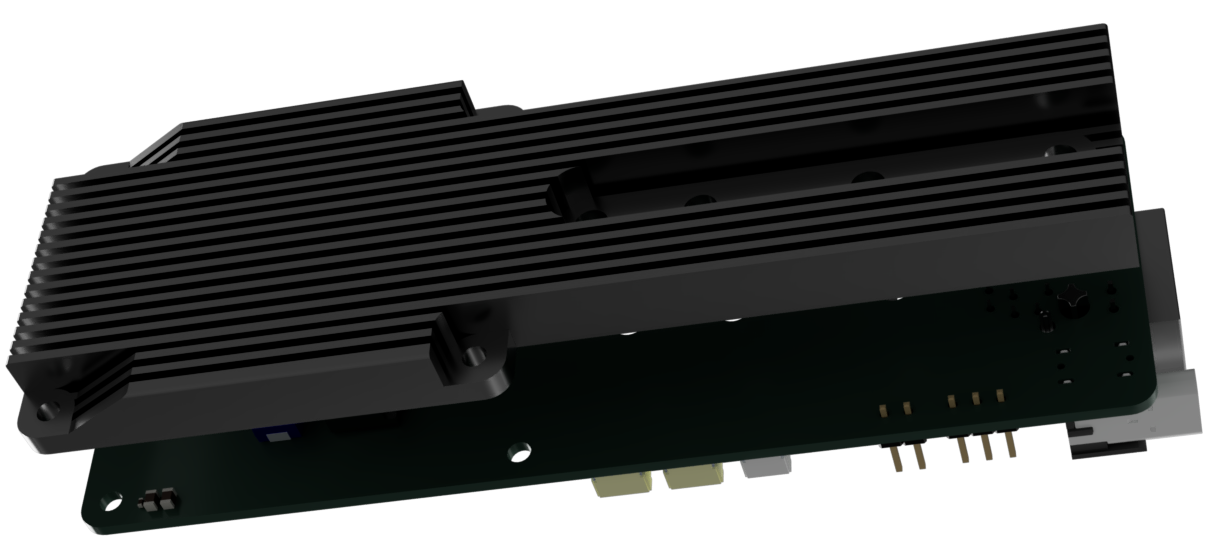
Standard aluminium metal heatsink (also available in Heat Conductive Filament) featuring straight fins to direct airflow between the front and rear. Underside is flat and may not contact all parts of the computer module, requiring adhesive cooling pads (supplied) to facilitate full contact with the heatsink plate.
INFO
Similar to the cross-cut heatsink (shown two photos above) screws enter from the bottom (M.2 side) to attach the Xerxes Pi, Compute Module, and Heatsink together. Spacers supplied will ensure equal spacing between the heatsink and compute module. Purchasing higher performance heat conducting pads will improve performance of the heatsink if required.